Data Stays within Your Perimeter

Defend your company’s data integrity against internal and external threats by keeping sensitive business data secure throughout every browser session.

Sign Up for Free
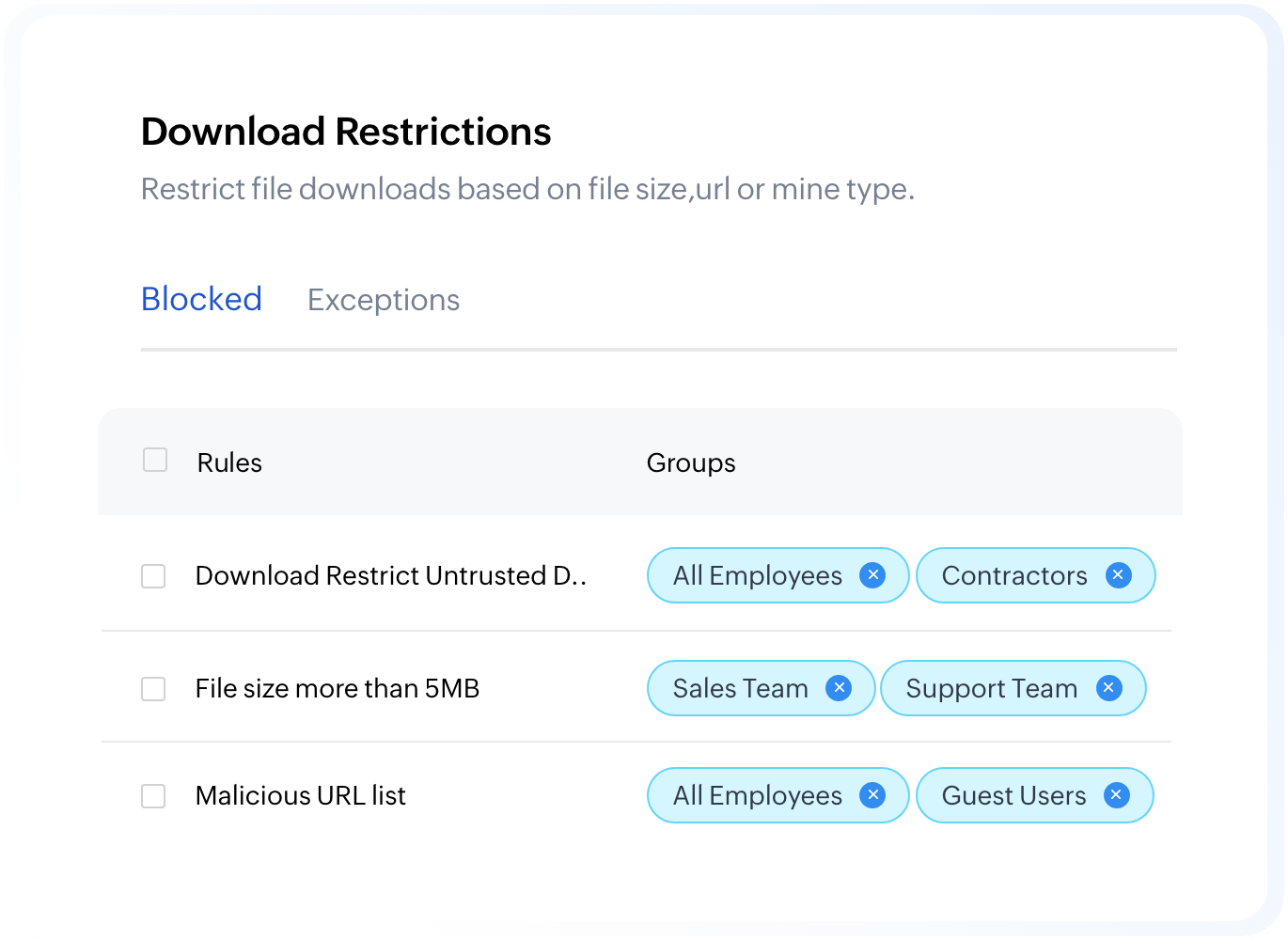
Admin console listing download restriction rules and the groups each one blocks

Protection that Follows Every User

Browser-native controls enforce policies wherever work happens, keeping data protected and every action visible to IT.

Stacked data layers secured inside the browser

Enforced at the browser layer

Policies apply inside the browser, intercepting data actions before they complete, regardless of the network or device.

Policy control applied to a browser session without sign-in

Applied with or without sign-in

Controls are enforced as long as Ulaa is installed even when users are not signed into a workspace profile.

Audit log clipboard recording every browser action

Every action logged

All blocked and permitted actions are recorded in the admin console for audit, compliance, and investigation.

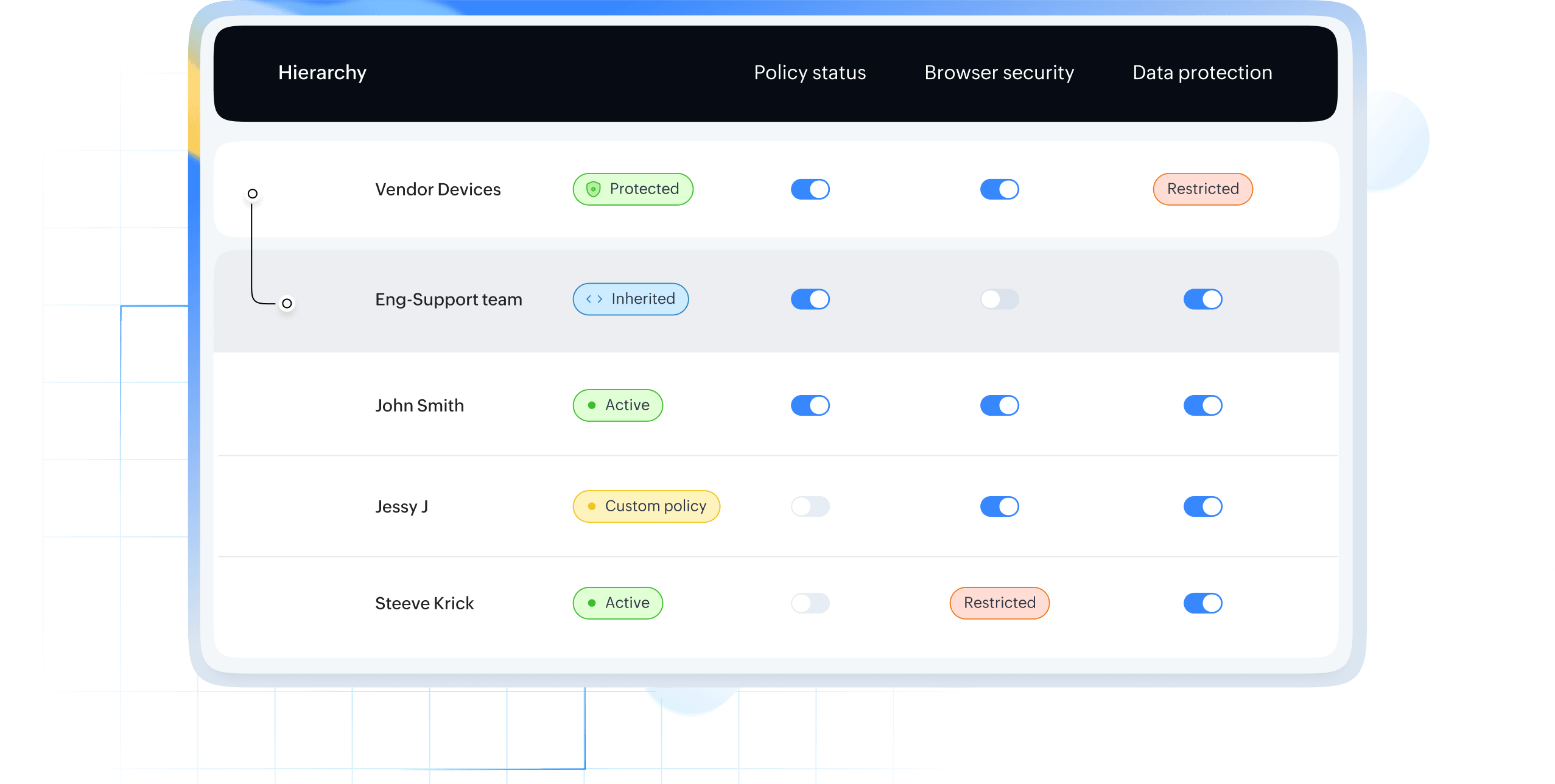
Granular policies are applied at the device team or user level — giving admins precise control to enforce security policies exactly where they’re needed, without overreaching.

Admin console showing policy status per domain, team, and user

Control across Every Layer

Browser-native controls enforce policies wherever work happens, keeping data protected and every action visible to IT.

Layered browser shield protecting data, identity, and downloads
Clock shield masking sensitive records in real time

Real-Time Sensitive Data Protection

Identifies and masks PII, PCI, and PHI across browser activity.

Document with a blocked clipboard action

Clipboard Restrictions

Prevent copy, cut, and paste operations on configured sites to stop data extraction via clipboard.

Stamp applying a watermark to a document

Watermarking

Applies visible watermarks to printed or downloaded documents for leak tracing.

Screen with capture and recording disabled

Screen Capture Lock

Blocks unauthorized screenshots and screen recording including third-party capture tools.

Developer console restricted to authorized users

Developer Tools Restrictions

Limit browser dev tools and network inspection to authorized users.